Plan your year smarter with the Daily Planner 2026. Create todo lists, set gentle reminders, and stay organized using the best checklist app with calendar.
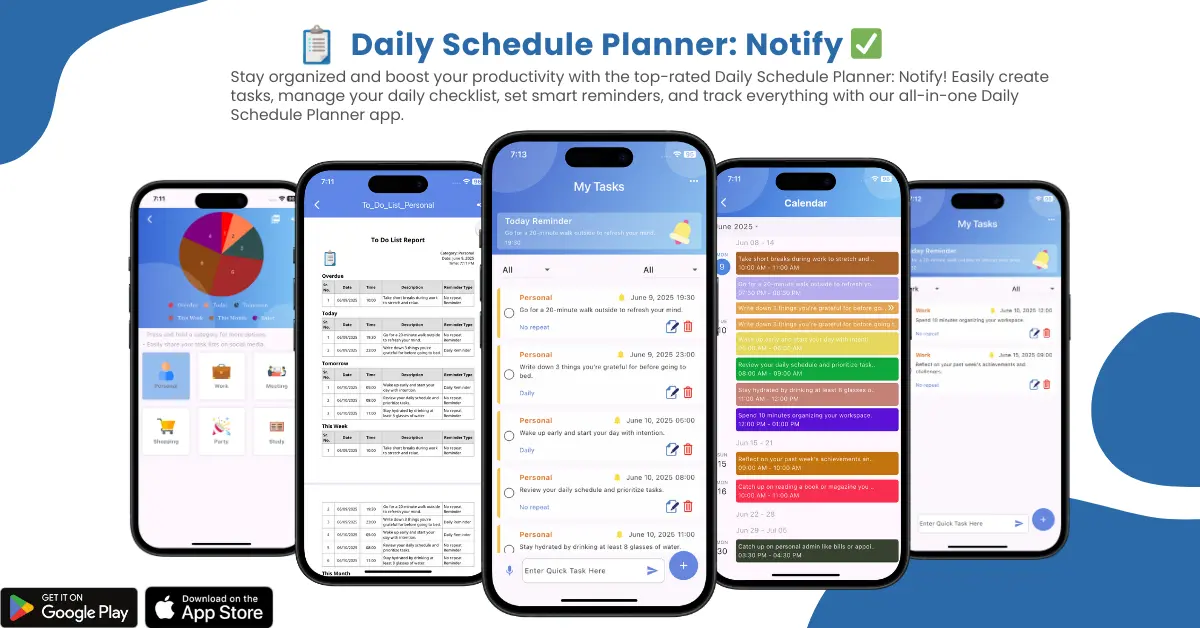
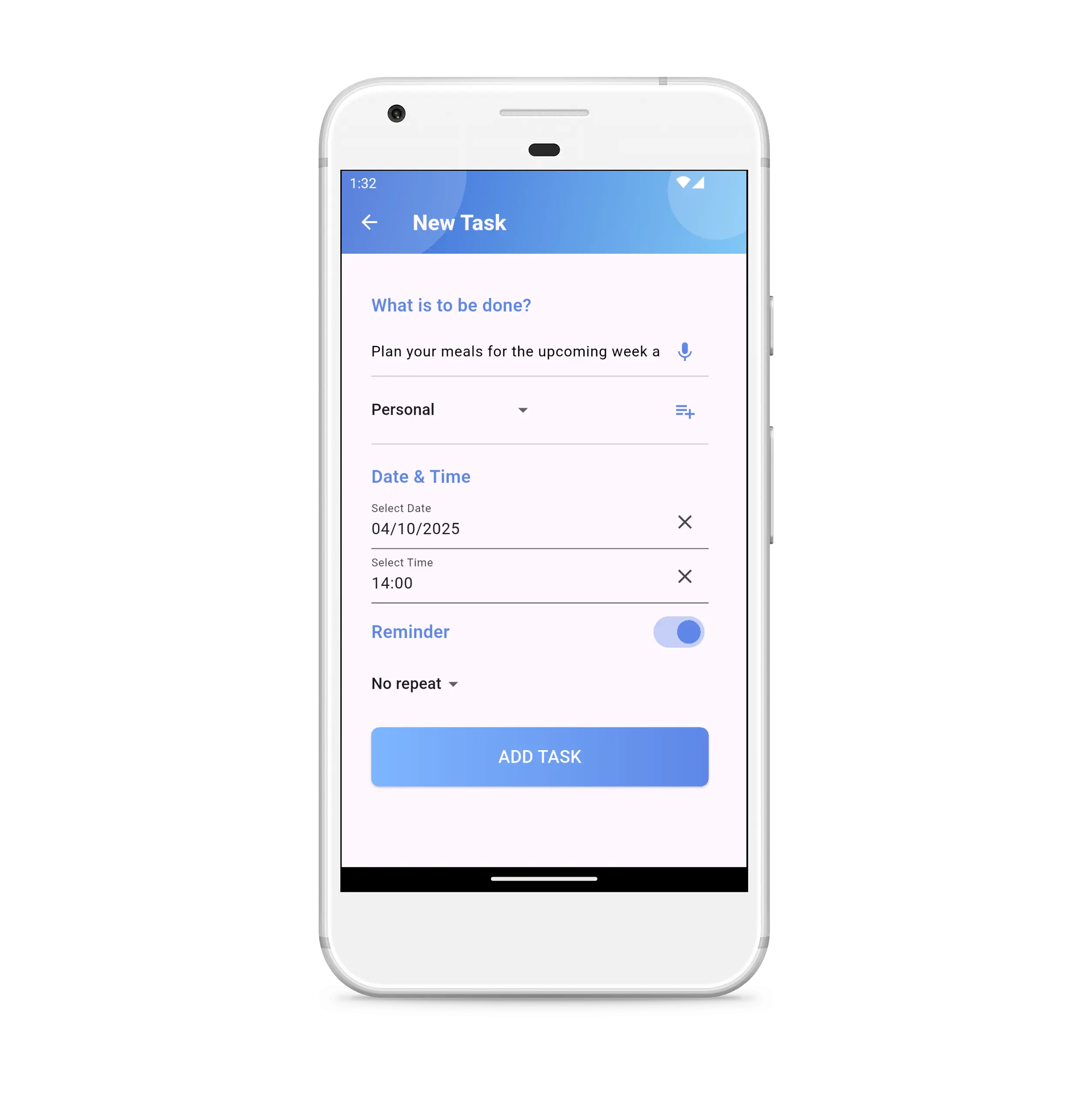
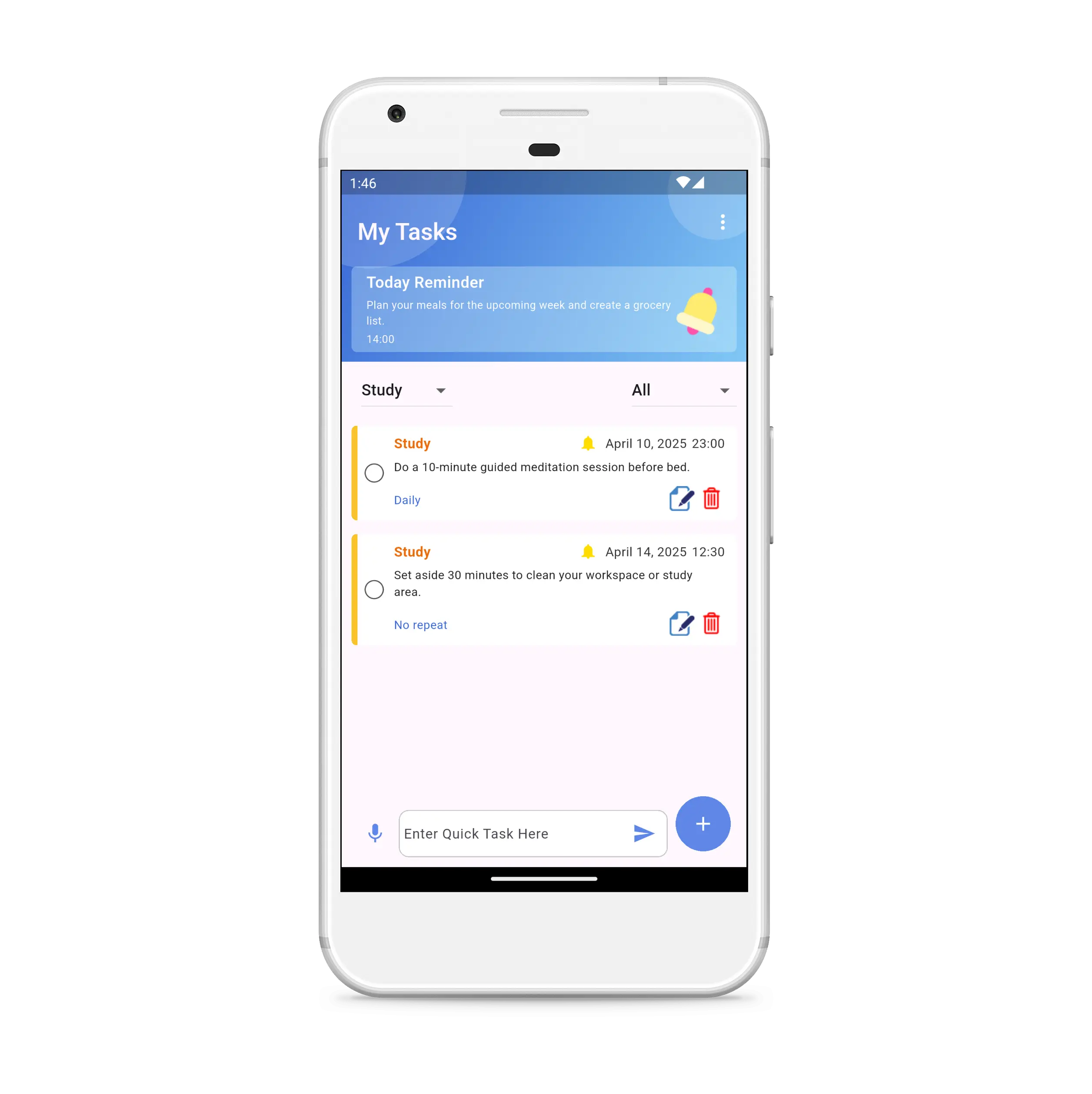
Today we all forget something to do. So, Daily Schedule Planner app will help you to manage your day-to-day work in a very simple and easy way. You need to divide your work into tasks and add them to the checklist with a gentle reminder. Sometimes you forget it, but your phone never forgets it, and you will be notified on time. In that way, you can increase your work efficiency and productivity. To fulfill your priority tasks, you need this reminder app on your phone in 2026.
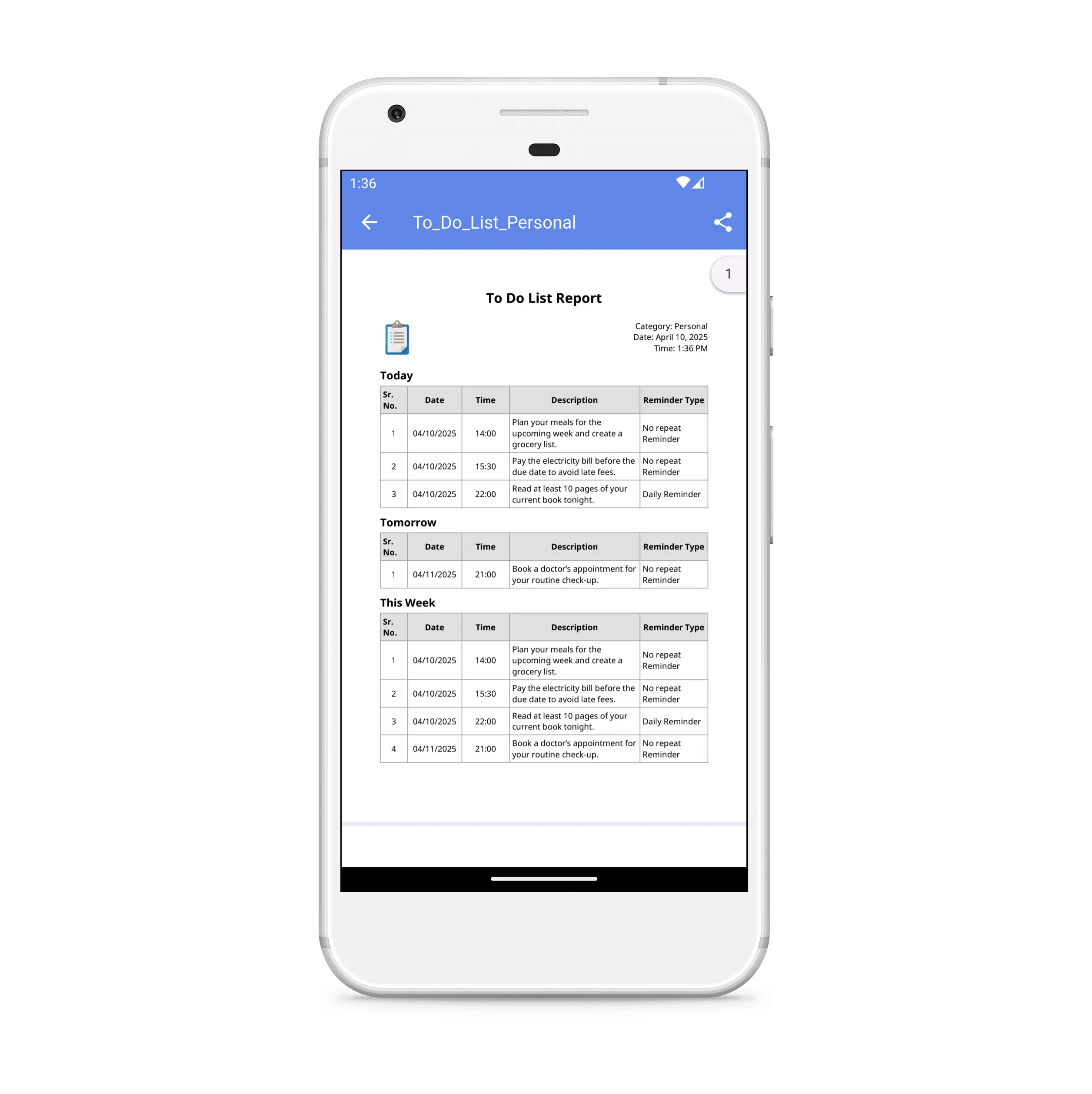
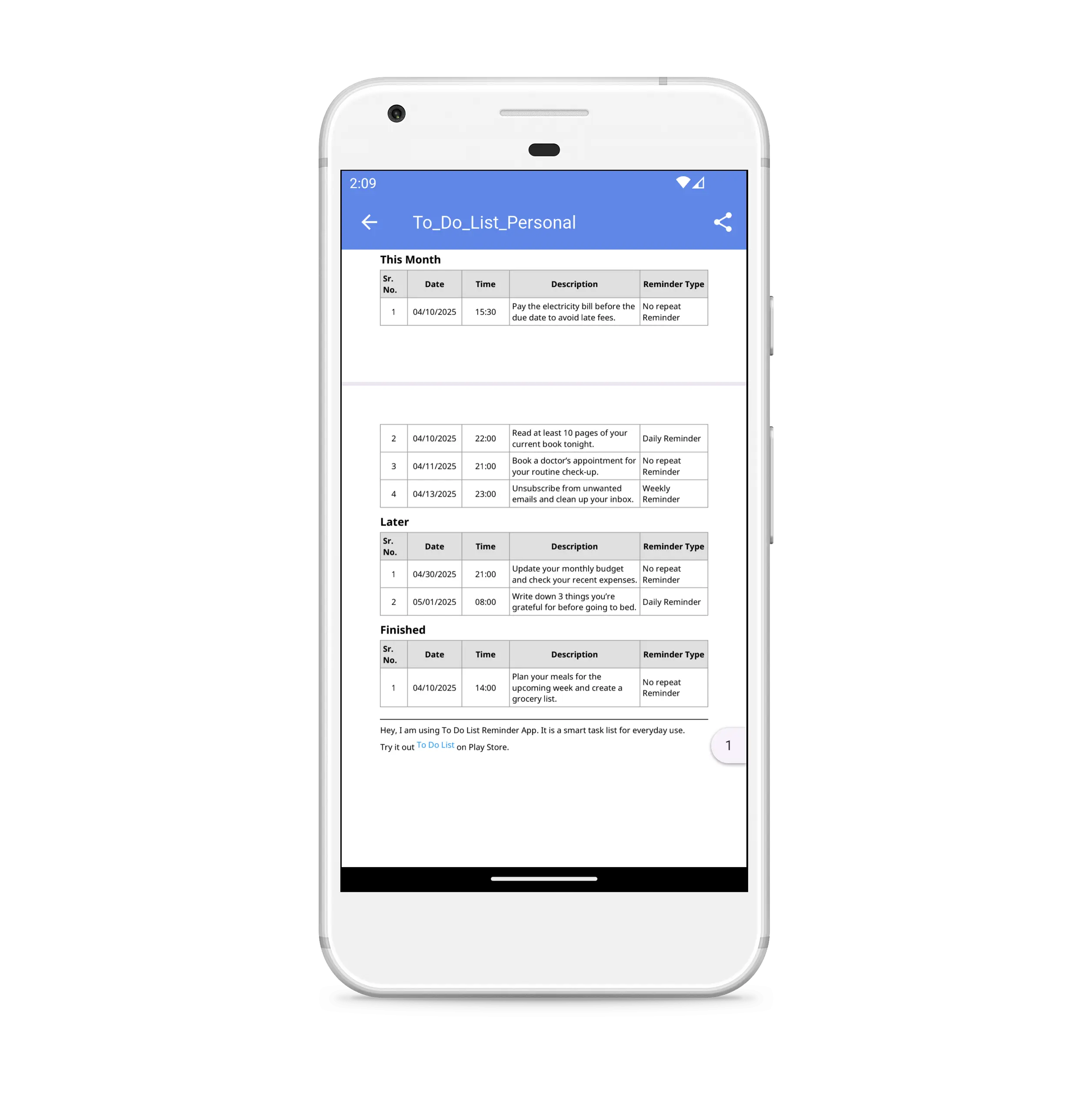
Generally, everybody can use a to-do list maker app in their daily life. Basically, this app will help students who are studying in the school or online. They can manage their task schedule in the app and generate PDF template reports of those tasks.
It also helps small businesses, companies, and startups to manage their project plans and meetings. It also helps women, homemakers, working moms, and housewives to organize their daily routine tasks.
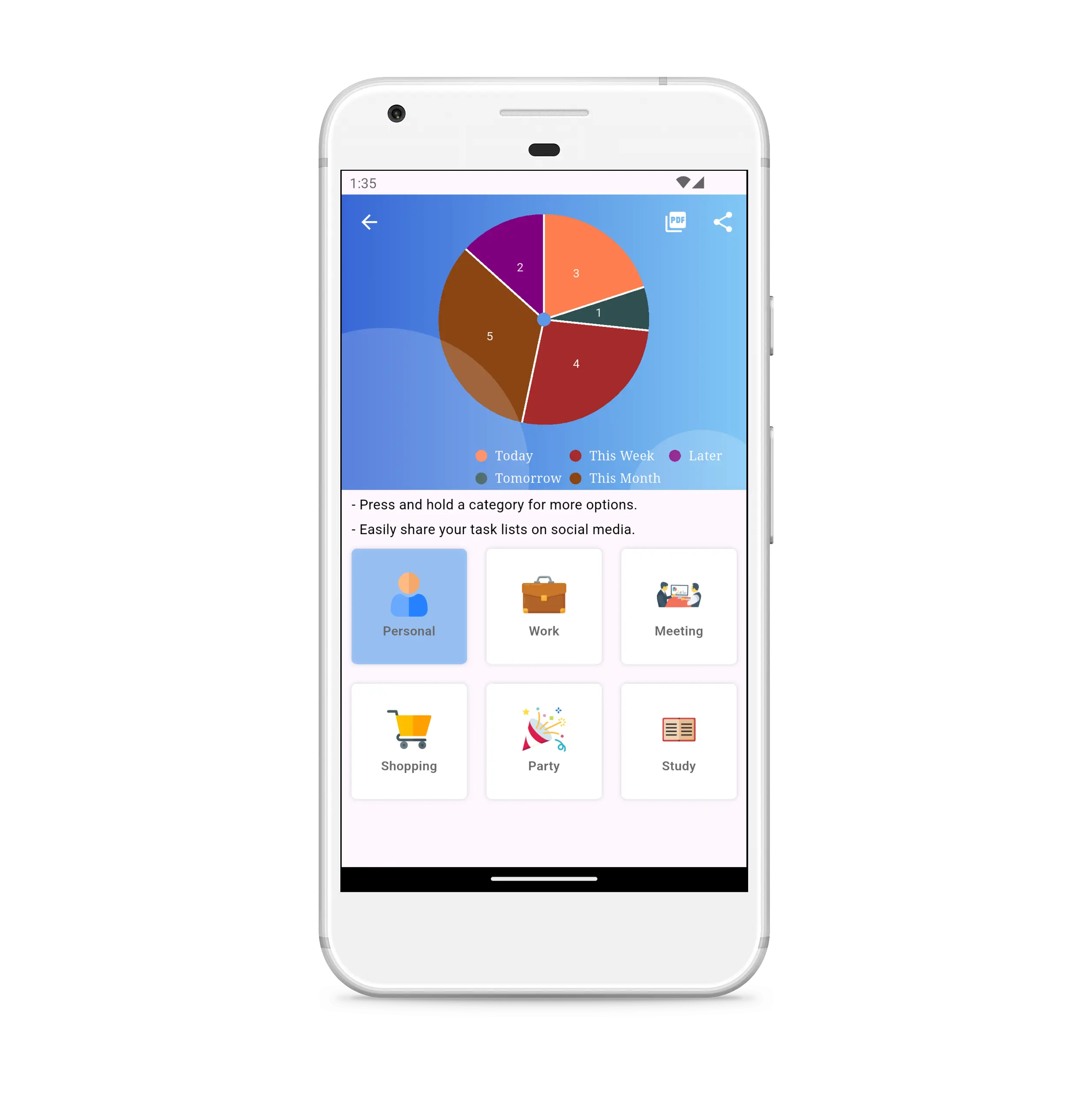
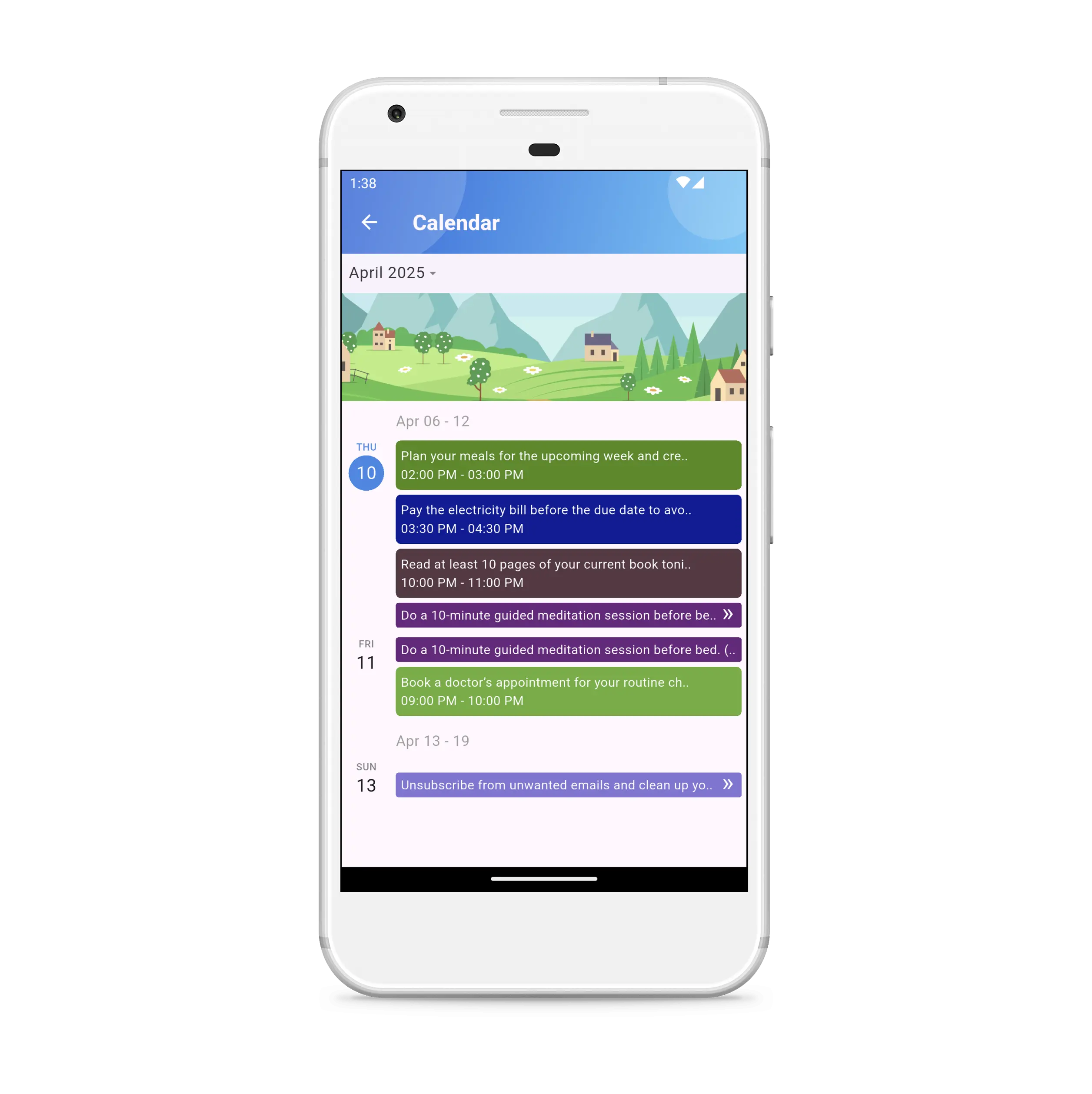
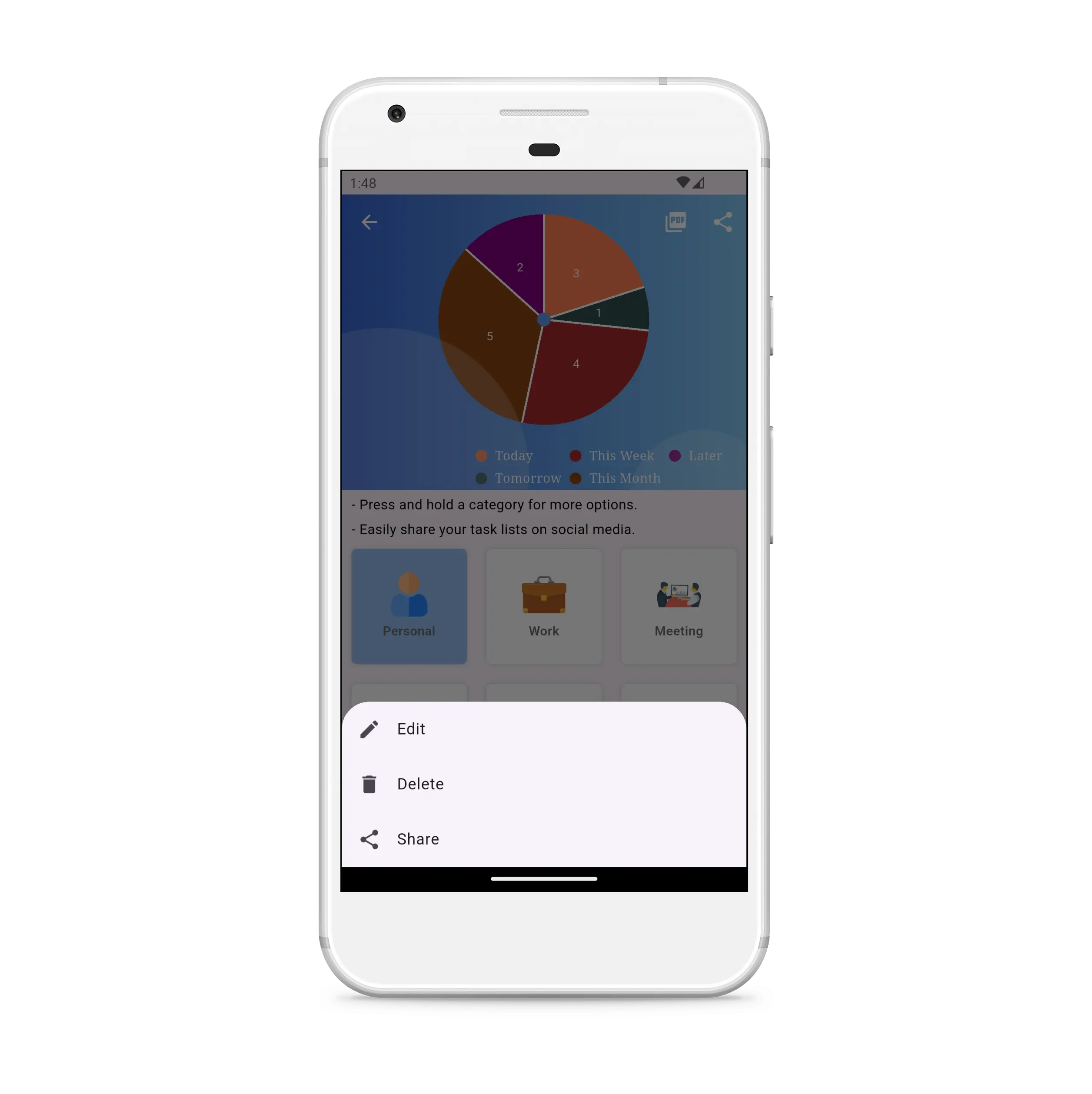
Personally, I used many checklist apps in the past. After using it, I realized I wanted to make it something different. It is easy to use and has a clutter-free design. I also input task summary reports in it. Making a calendar to display all task lists in a colorful manner so that the user can see their tasks month-wise and day-wise. Managing categories in other apps is very hectic, so I included some easy ways to manage categories. Once you create it and update it, then also you will be notified with those updated categories.
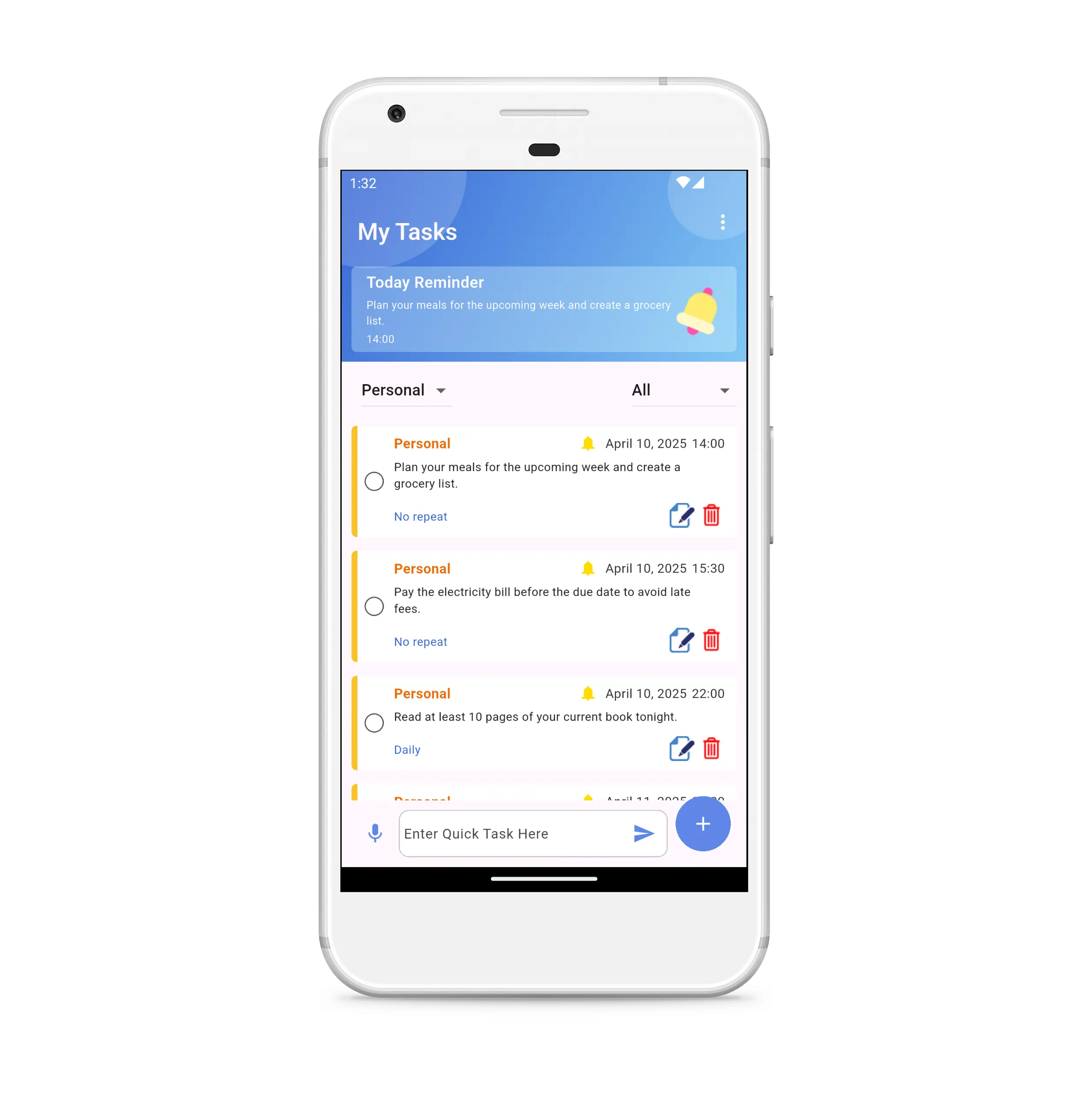
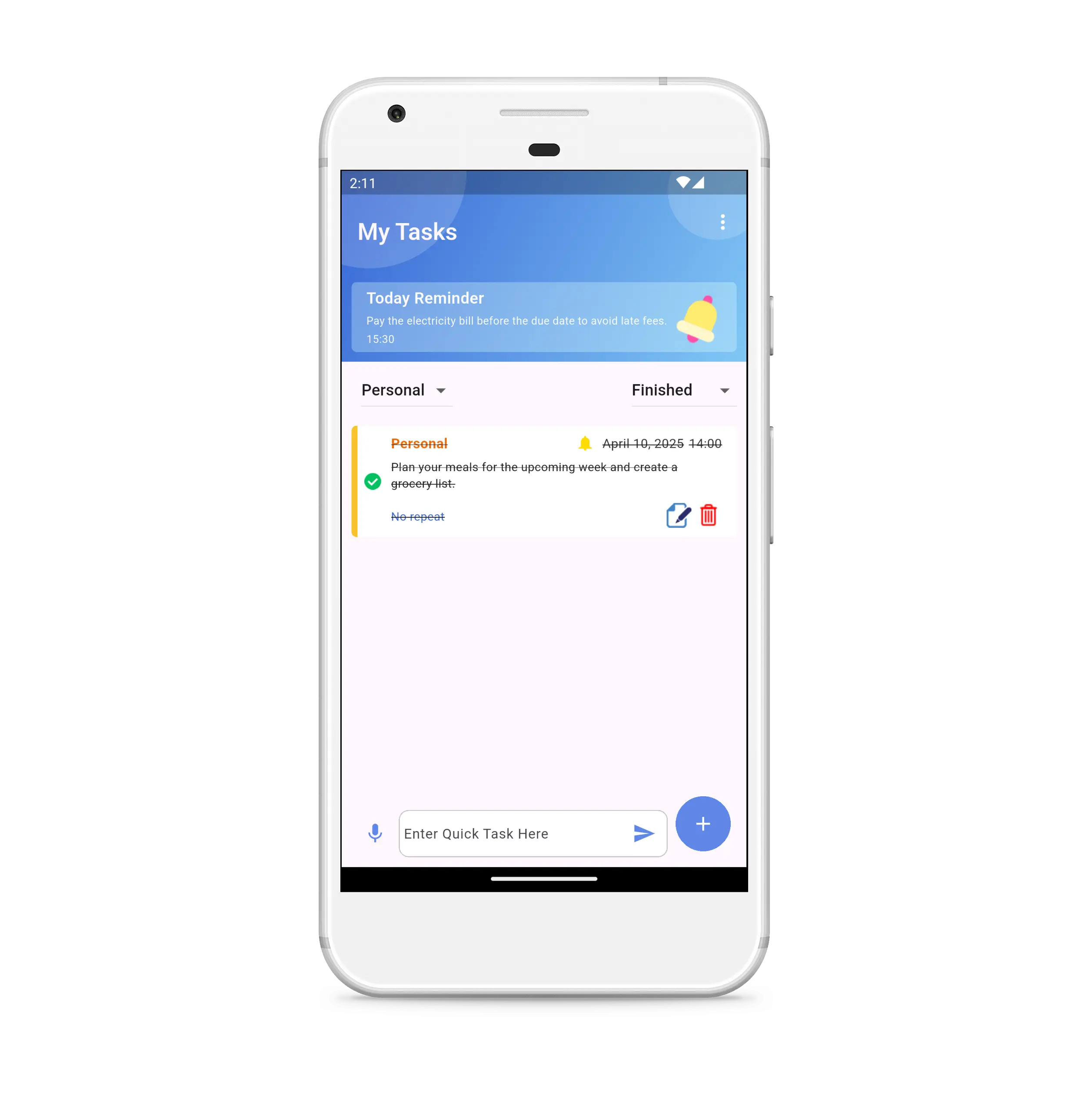
Once you tap on a notification of a particular task, you will be redirected to those specific tasks in the app, where you can finish them with just one tap. You can manage filters on the home dashboard to see different lists of tasks by category.
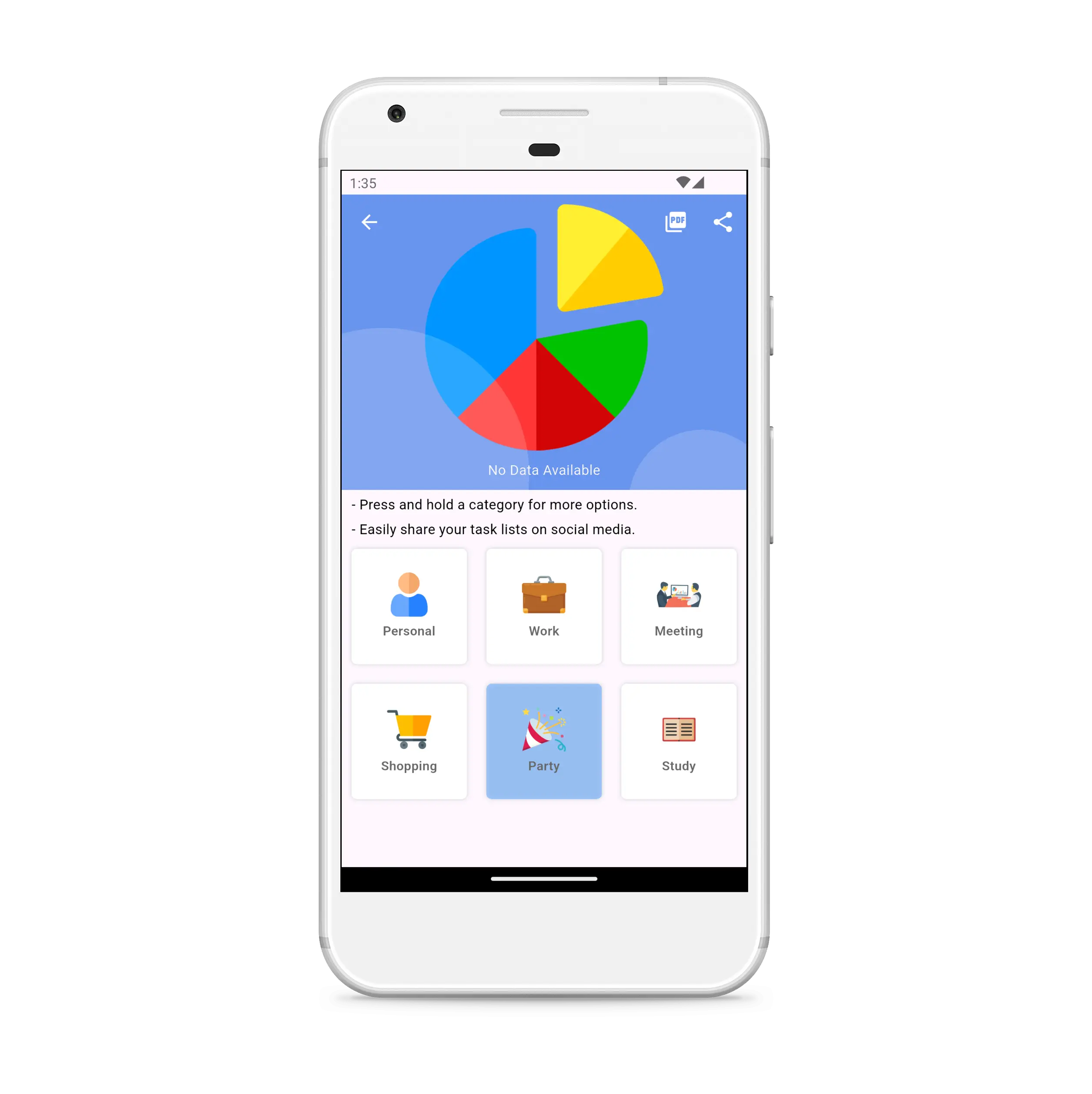
Explore more productivity yourself by using the to-do list maker. Get things done once you finish it on time. It will make your life better than now. Explore it with your loved ones, friends, and family.
Still getting to use but it's cool all this far. You guys can add more fun and interactive features that are trending! Big Up
Very useful
I have good life now
I find the to do list convenient and very helpful
Very easy to remember items, schedules
Get the Daily Schedule Planner & To-Do List Maker app now!